








GetGenie’s AI Overview Answer Builder templates helps users generate clear and structured answers for any topic or query that satisfies AI overview needs. The answers help users get cited in AI overviews.
.
How to use AI Overview Answer Builder #
To start AI Overview Answer Builder, you need to first install and activate GetGenie on your WordPress.
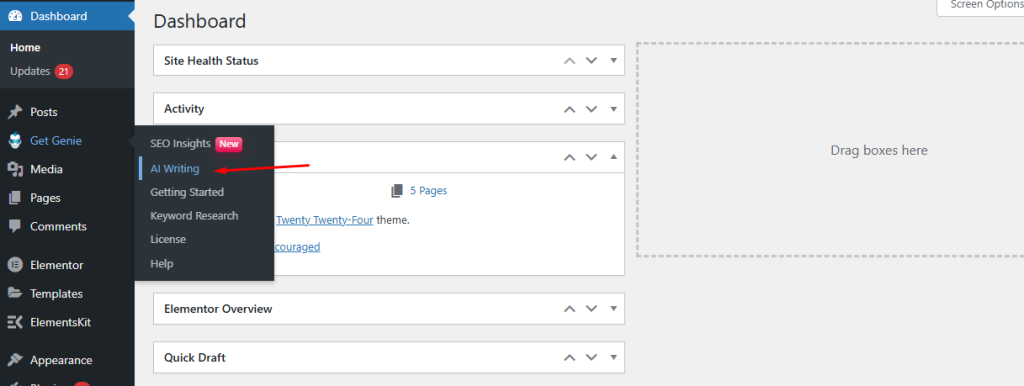
Once you’ve installed GetGenie and use this template, you need to first go to WordPress Dashboard > GetGenie > AI Writing.
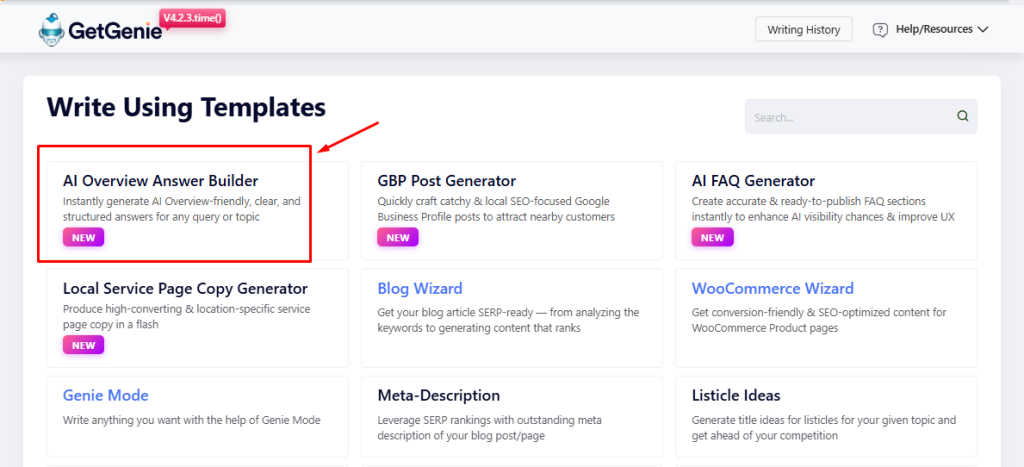
Once you you enter AI Writing feature, you’ll see over 40 templates. Among them is the AI Overview Answer Builder template.
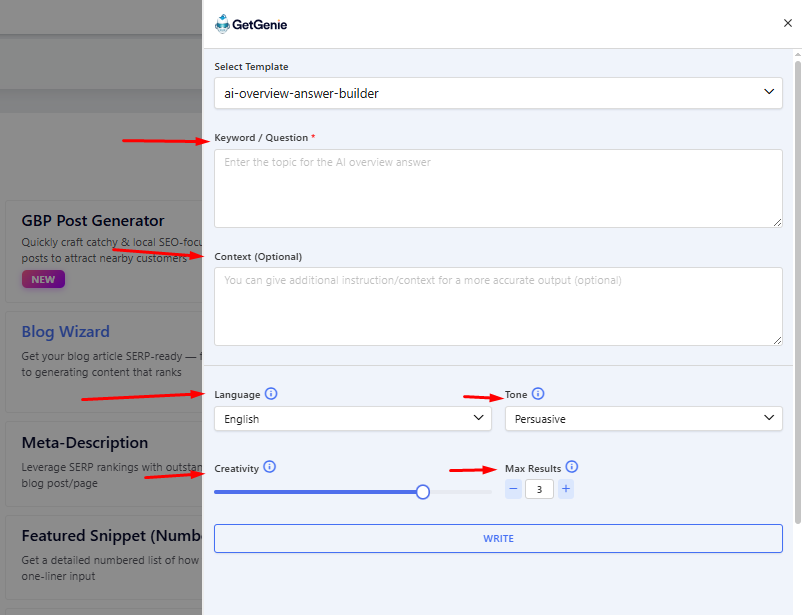
When you select this template, it slides in from the right. Prompting you to enter the Keyword / Question, Context (Optional), Language, Tone, Creativity Level, and Number of Desired Results (Max Results).
How to Enter Prompt Details? #
Step 1
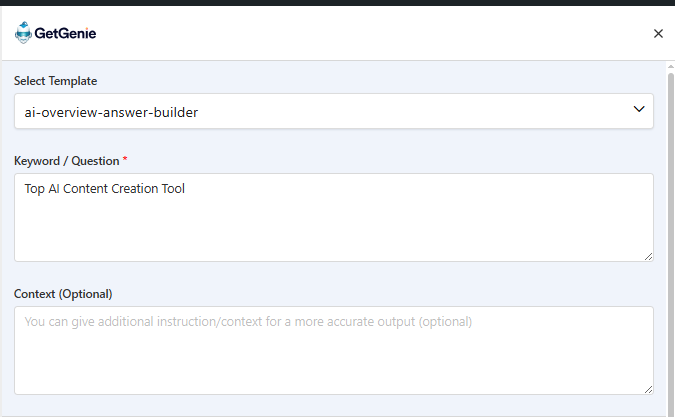
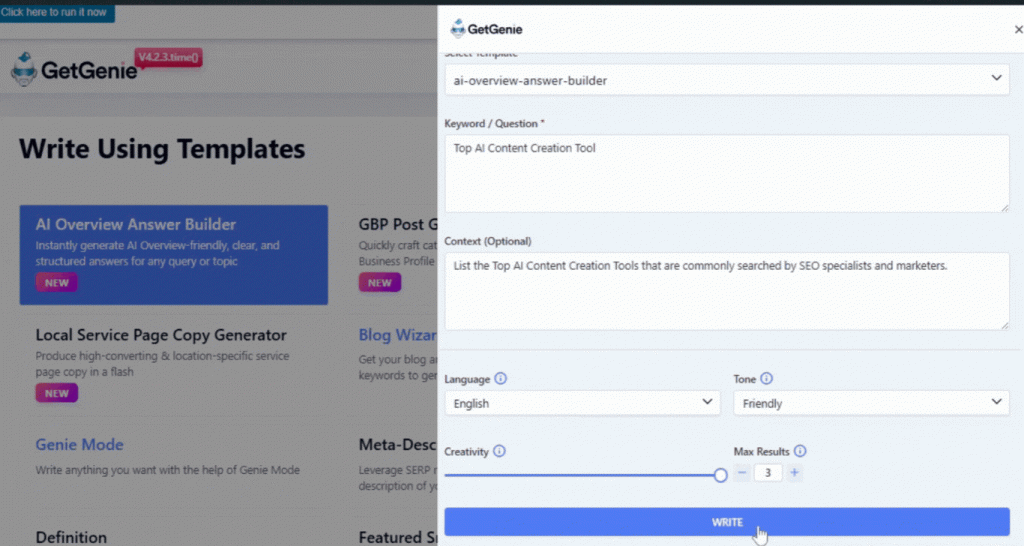
First, you will need to enter your preferred keyword or question. This the possible search query of users. Here, we add ” Top AI Content Creation Tool “.
Step 2
Next you’ll be prompted to add some context or additional instructions that will help the tool offer more accurate outputs. However, it is optional.
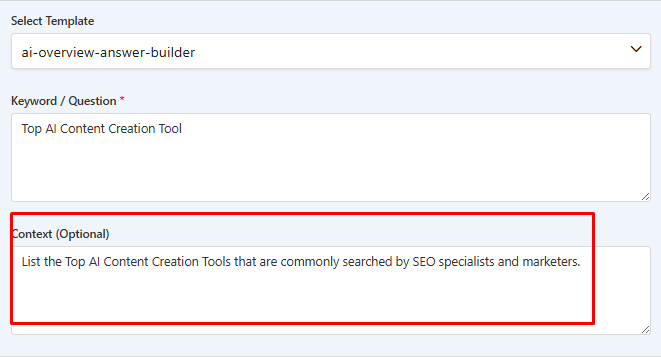
Step 3
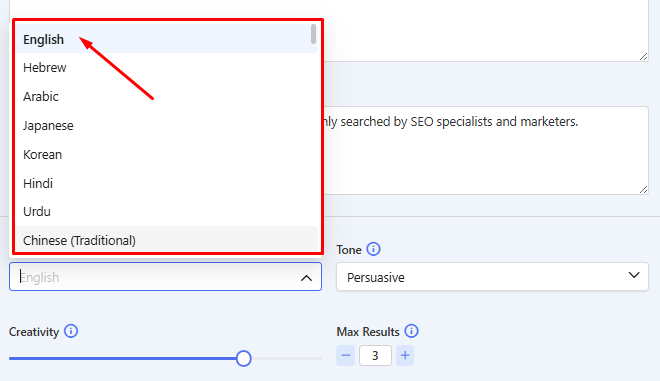
Next up, select the language, tone, creativity, and max results. There are multiple languages you can select from. To keep it common, we will pick English.
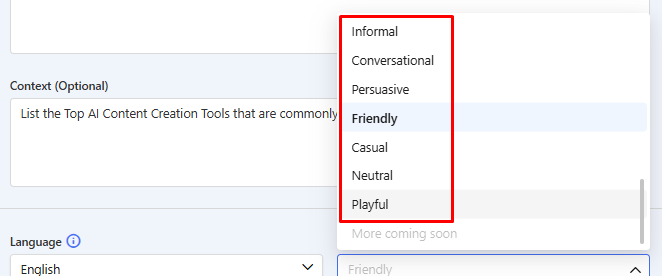
There are also 10 types of tones you can choose from. These add the voice and style to your generated content. Here, we select Friendly.
Along with the tone, you have the level of creativity that sets how varied the and vivid the generated outputs will be. The creativity level is from 1 to 5.
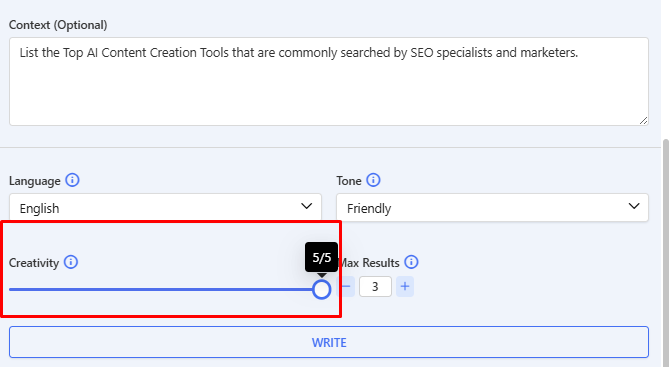
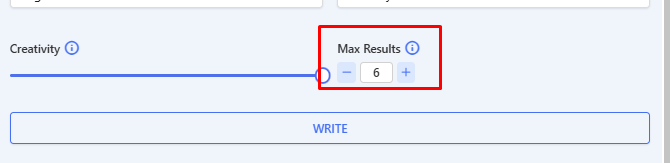
Before you generate the results, you can select the number of outputs as well. Up to 6 of them. Here, we want 3 results.
Step 4
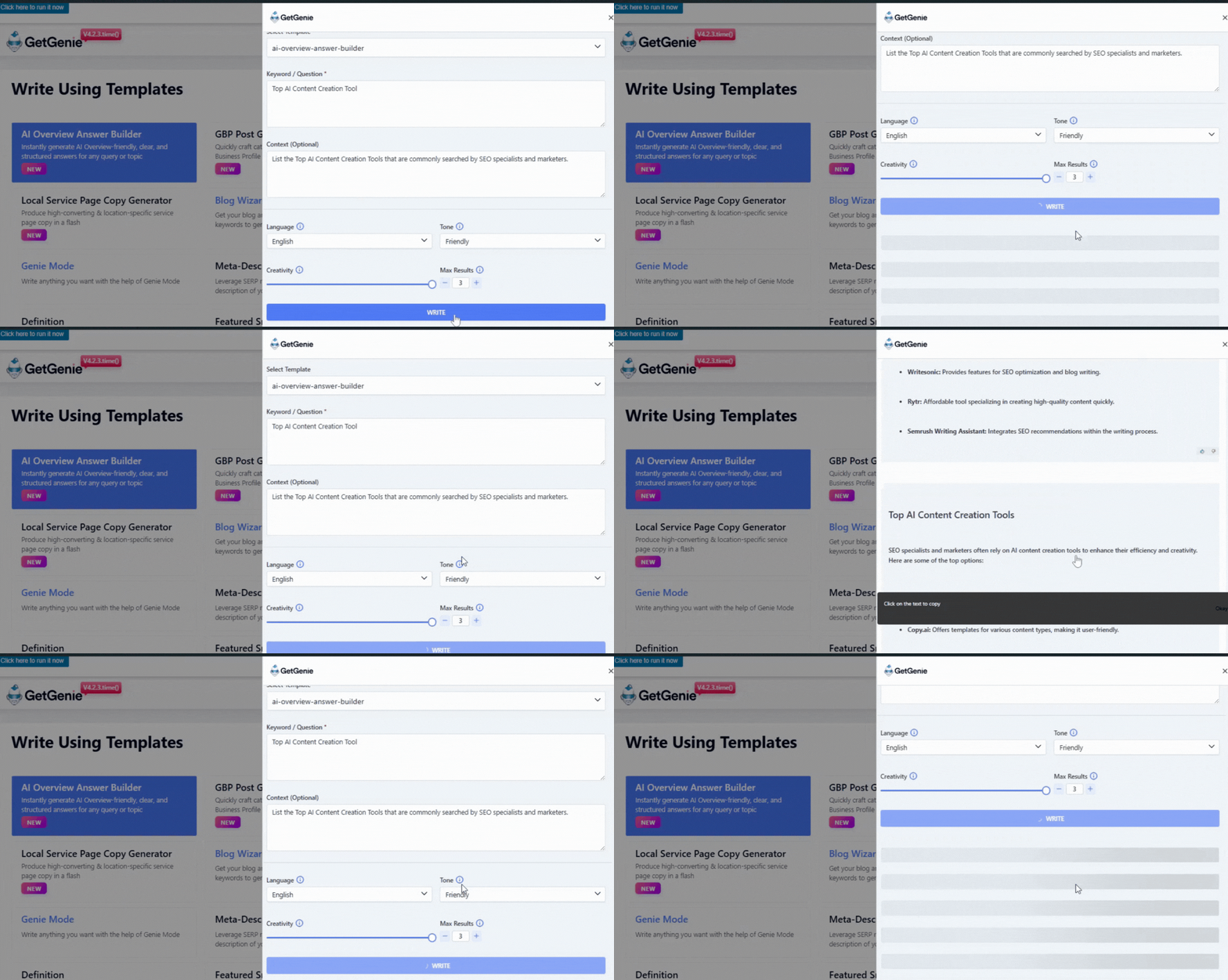
Once all your parameters are set, click on Write to build your AI overview answer.
You will get 3 results generated. Select the one that best suits your preference. And you’re done!
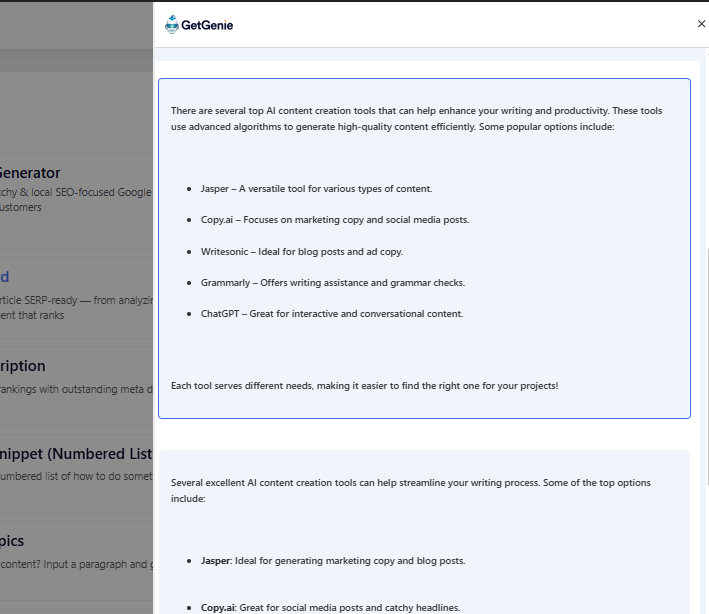
Please Note: For different types of queries or inputs, you will get different formats of answers. The above example is one type, showing you a list of top tools. If the query was something like “How to use AI content creation tools?” the output would be more in mixed paragraph-numbered list style.


 Danish
  Swedish
  Polish
  Korean